Summary
A prompt-to-App-Store experiment
Planet Orbit started as a question, not a brief: could AI close the gap between a fleeting idea and a shipping product? I wanted a modern take on the Atari classic Asteroids — a ship orbiting a planet, with a twist: make it just hard enough that players feel that "just one more try" frustration.
Normally my process is sketch, wireframe, mock, then code. Here I inverted it — prompting a playable prototype straight out of Google AI Studio, then letting real players (not my own assumptions) drive every decision from there through a Firebase backend, a global leaderboard, and an actual App Store launch.
01 — The experiment
Inverting the usual design process
Skipping wireframes to get straight to the "feel" of the physics. The goal wasn't clean code yet — it was to put the device in a user's hand immediately and test the core loop.
The workflow shift
Instead of weeks between an idea and something a player could touch, the loop compressed to minutes.
Traditional process
Sketch → Wireframe → Mockup → Code
(weeks)
AI-first process
Prompt → Playable Prototype → User Feedback
(minutes)
02 — Process
Four phases, driven by what players actually did
Each phase started with a prompt and ended with a decision forced by real usage — not a spec.
Phase 1 — the 10-minute prototype
I described the physics I wanted to Google AI Studio. Within 10 minutes I had a working prototype — significantly faster than my usual workflow.
User: Create a game using HTML Canvas where a ship orbits a planet. It
should feel like Asteroids but with gravity.
Gemini: Here is a working prototype using React and the Canvas API…
(generated in <10s)
Phase 2 — the control pivot
Listening to users to find the "fun."
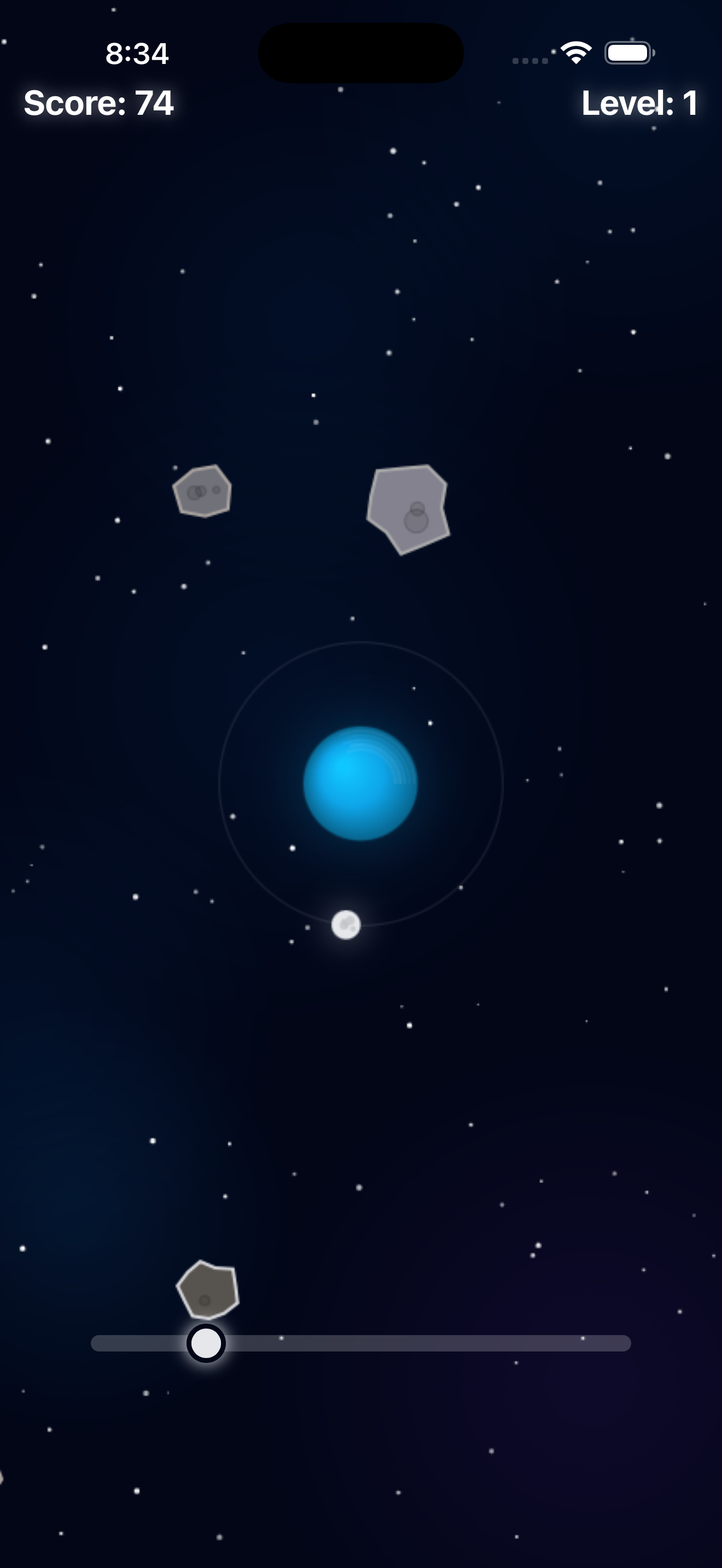
I have to look at the bottom of the screen to use the slider, so I crash.
Iteration 1 — Slider (Failed)
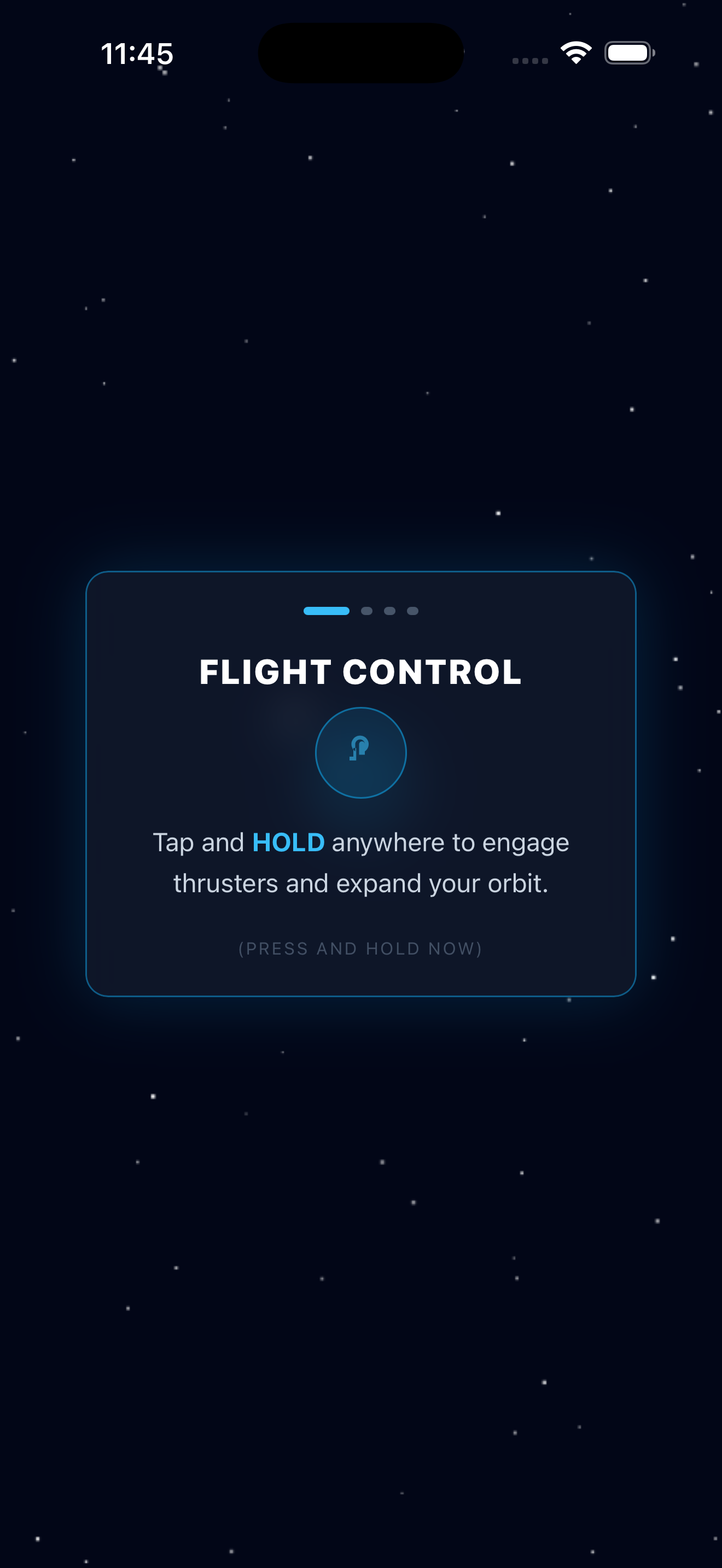
A user suggested a "Flappy Bird"-style interaction: tap and hold to orbit, release to drift.
Okay, this is actually addicting now. I can't stop playing.
Iteration 2 — One-tap control (Success)
Phase 3 — scaling up
The group chat effect
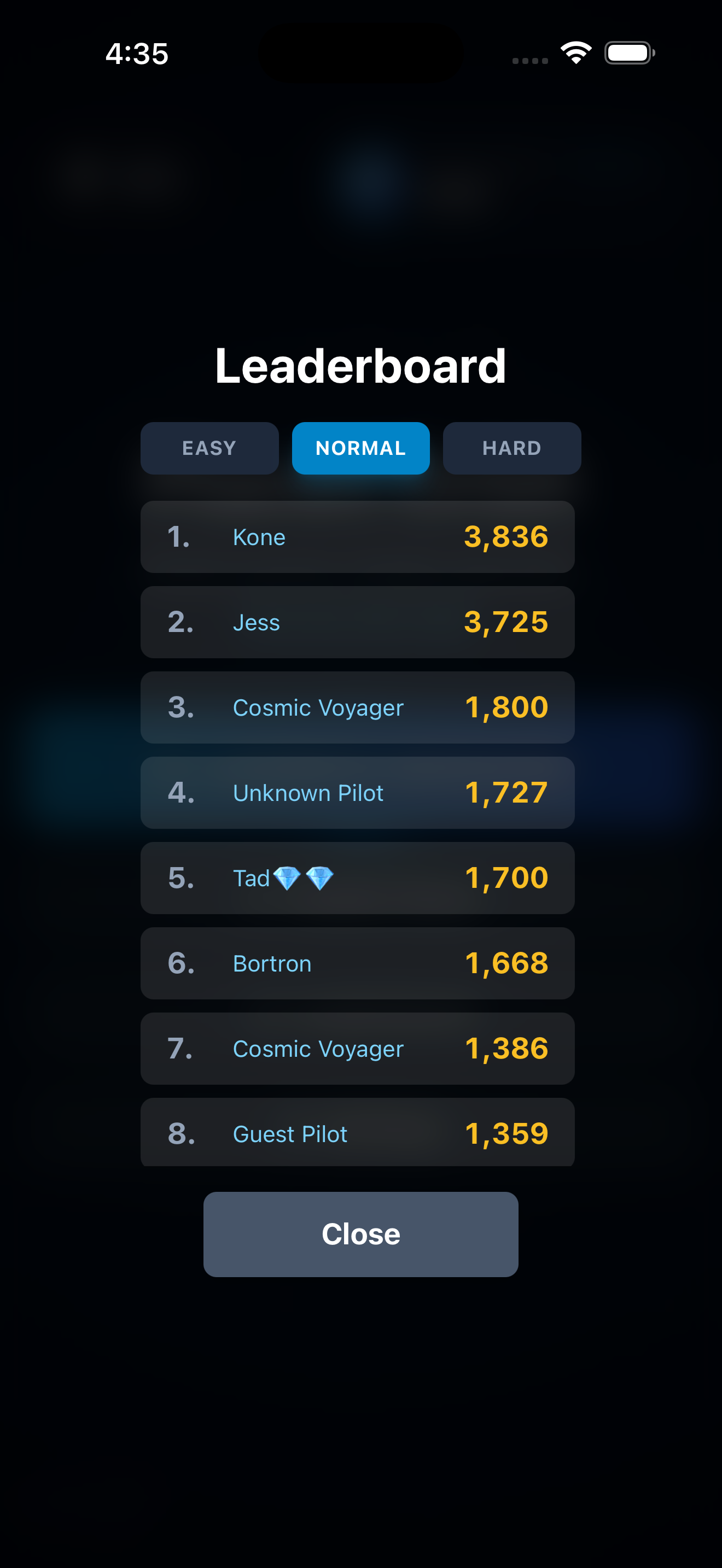
Once the tap controls were finalized, adoption spiked. Four friends started a group chat solely to update each other when they beat a high score. That organic competition was the signal I needed — the game wasn't just a prototype anymore; it needed a global leaderboard.
The backend problem
A global leaderboard required a real database. This was over my head — I felt like I'd bitten off more than I could chew. I used AI as a tutor, not just a code generator, to understand how to structure a NoSQL database in Firebase.
"Step 1: Create a Firestore collection named 'scores'…"
AI-guided implementation
Phase 4 — retention strategy
After the initial hype, Daily Active Users began to dip — a 20% decline. I needed reasons for players to open the app even without time for a long session.
- Daily Login Bonus — a simple streak system: log in to claim currency. This stabilized the DAU dip immediately.
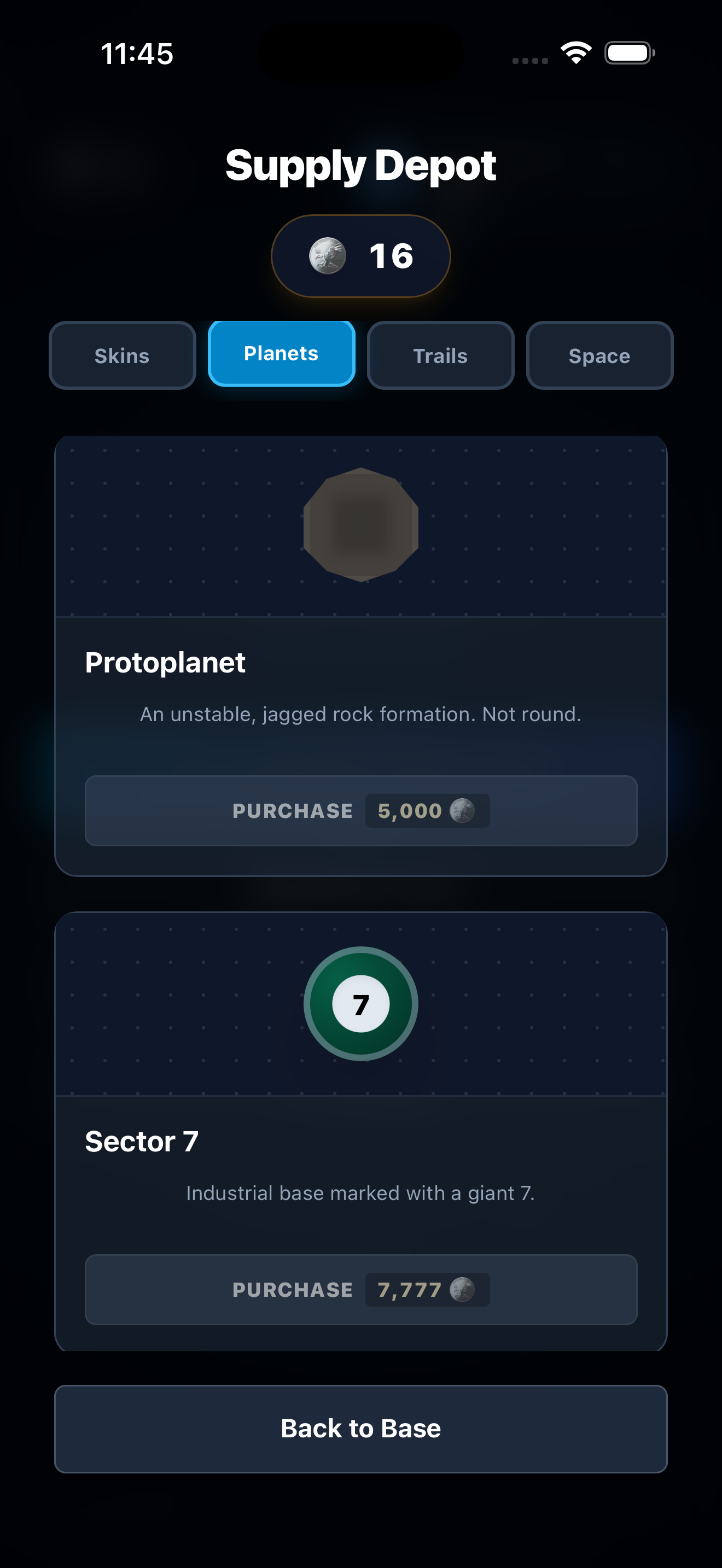
- The Supply Depot — a shop to spend points on cosmetic ship skins, giving players a long-term goal beyond just high scores.
03 — Built and shipped
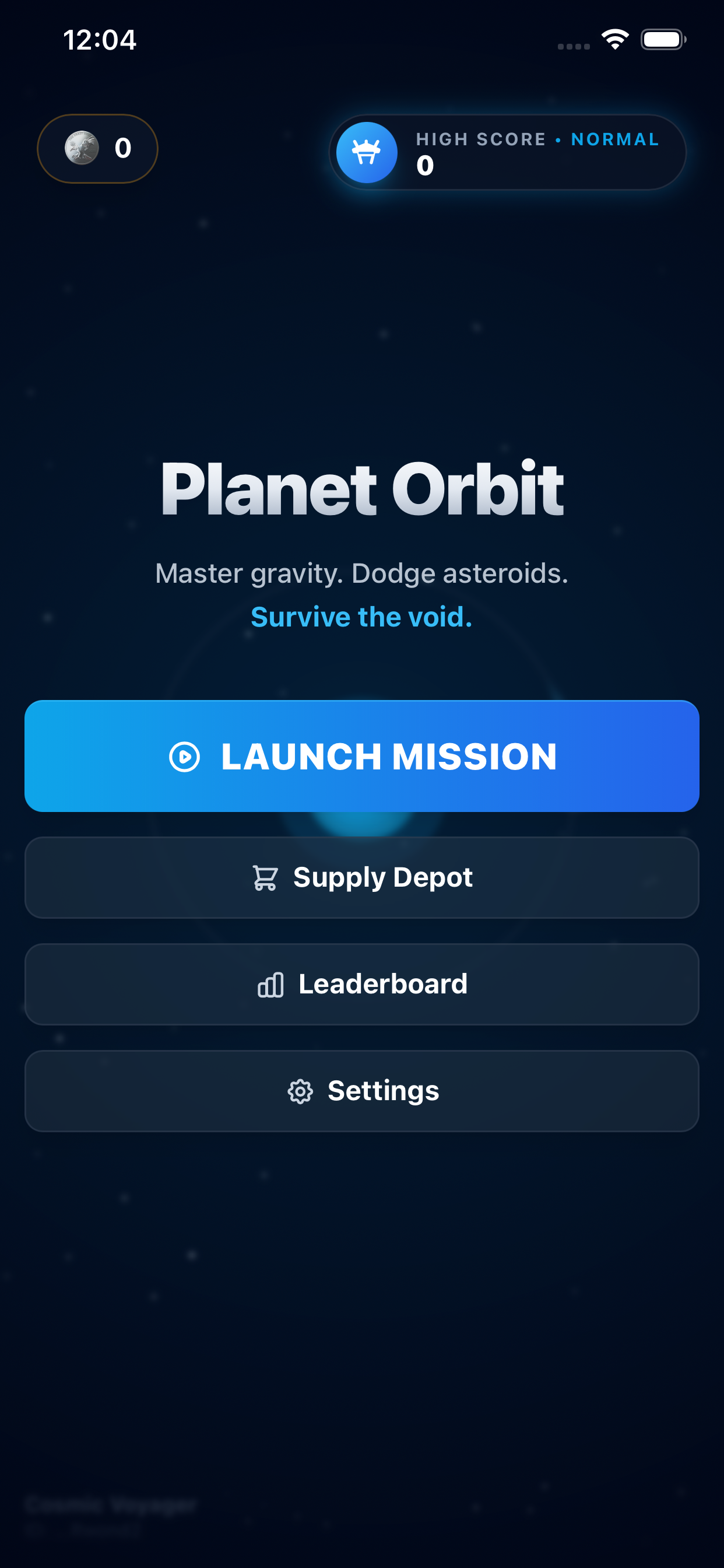
What started as a prompt became a shipped product
04 — Reflection
Key takeaways
Rapid validation
By skipping high-fidelity mocks and jumping straight to a working prototype, I tested complex physics mechanics in minutes rather than days.
Deployment success
I successfully navigated the App Store review process, shipping a polished product to production.
Skill acquisition
I learned Firebase, React Native concepts, and backend logic by using AI as a personalized tutor throughout the process.
Play it
Planet Orbit is live — download it on the App Store ↗.